
Commerce · Delivery · Services · Work

One commerce engine.
Five focused applications.

SunuBiz e-commerce Solution brings buyers, merchants, couriers, service providers, and skilled workers into one coordinated marketplace. Shared identity, real-time operations, payments, and analytics keep every journey connected.

Multi-vendor Mobile-first Multi-service
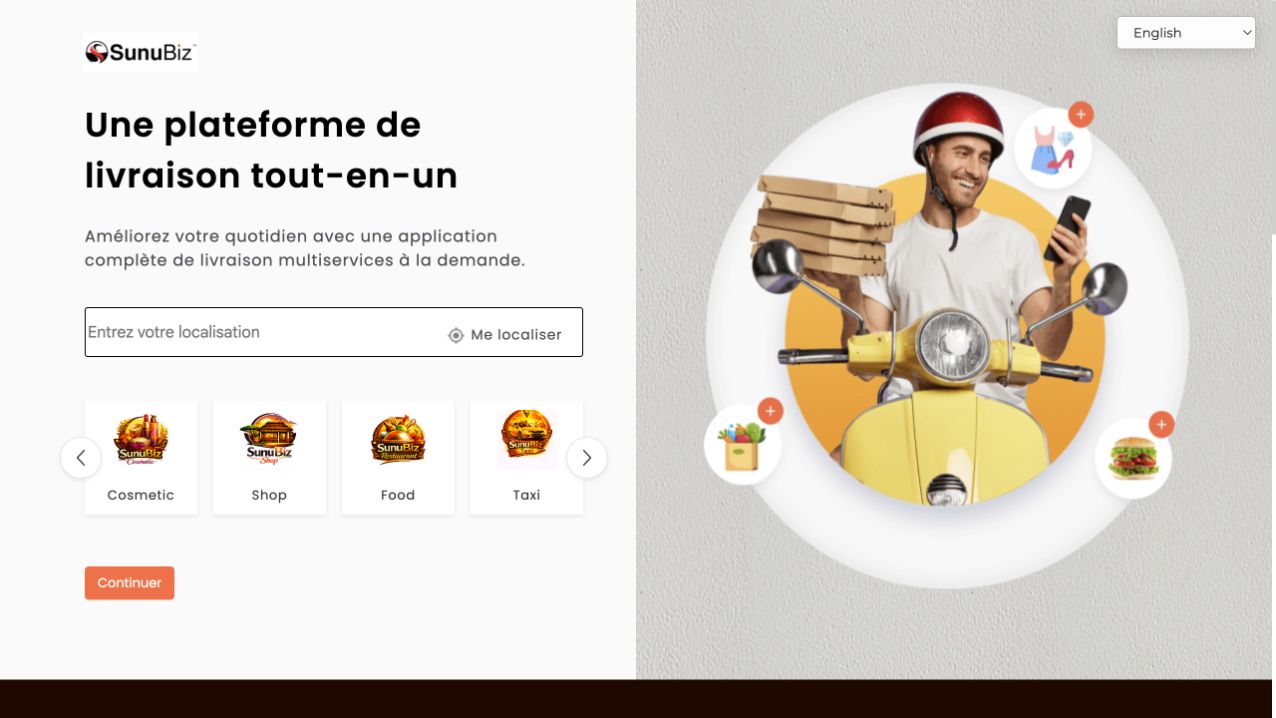
SunuBiz e-commerce location and category selection screen
Live platformapp.sunubiz.net
5Role-specific applications
1Shared commerce backbone
24/7Orders, jobs and service access
360°Operational visibility
The application family

The right experience for every participant.

Each application simplifies one role while the platform synchronizes identity, orders, fulfillment, bookings, payments, ratings, and reporting behind the scenes.

Family shopping through the SunuBiz Commerce application
01

SunuBiz Commerce

Customers discover products, food, transport, rentals, and services; compare vendors; place orders; pay; and follow fulfillment from one account.

  • Location-aware discovery
  • Multi-category basket and checkout
  • Live order status and reviews
Courier making a delivery with SunuBiz Livreur
02

SunuBiz Livreur

Couriers manage availability, receive nearby delivery opportunities, navigate pickup and drop-off, confirm completion, and monitor earnings.

  • Assignment and route workflow
  • Pickup and delivery confirmation
  • Earnings and performance history
Merchant using SunuBiz Shop to operate a digital storefront
03

SunuBiz Shop

Merchants create storefronts, manage catalog and stock, receive orders, coordinate fulfillment, run promotions, and understand performance.

  • Catalog, pricing and inventory
  • Order preparation and handover
  • Sales, settlement and analytics
Professional service team available through SunuBiz Service
04

SunuBiz Service

Customers describe a need, compare trusted providers, choose an appointment, track the job, pay securely, and rate the experience.

  • Service search and matching
  • Scheduling and job tracking
  • Trusted ratings and payment
Skilled worker completing a customer job through SunuBiz Workers
05

SunuBiz Workers

Professionals publish skills and availability, accept suitable assignments, coordinate customer visits, complete work, and build a trusted reputation.

  • Skills and availability profile
  • Job requests and scheduling
  • Payouts, history and reputation
Quick start with the live platform

From location to the right marketplace in three simple steps.

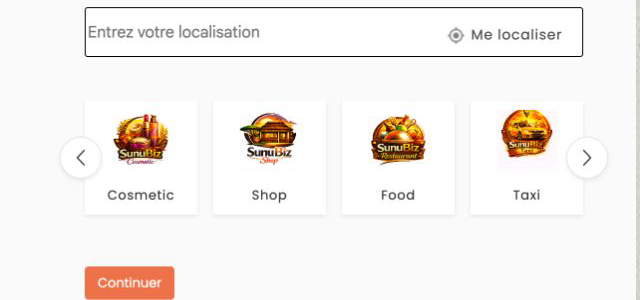
Location field and marketplace category selector
1. Set the service areaEnter a location or use device location so the platform can show available merchants, couriers, and services.
SunuBiz categories including Cosmetic, Shop, Food, and Taxi
2. Choose a categorySelect the market that fits the need—commerce, food, transport, rentals, delivery, or professional services.
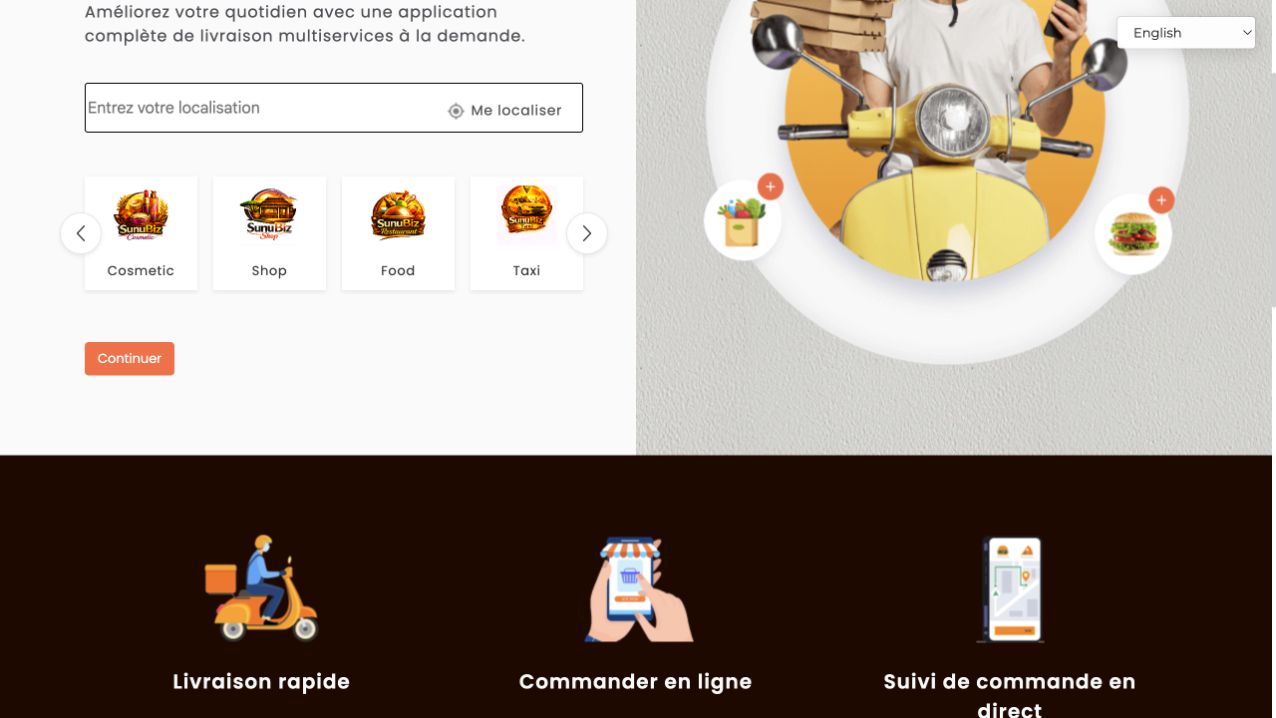
SunuBiz platform benefits including delivery and live tracking
3. Complete and trackReview the offer, confirm the order or booking, and follow its progress through the connected workflow.
Self-guided user manuals

Role-by-role instructions your team can follow immediately.

Open a manual, follow the numbered workflow, then watch the short walkthrough above for the same application.

Customer manualSunuBiz Commerce
  1. Create or sign in to an account. Confirm phone or email information and keep profile details current.
  2. Set the delivery or service location. Availability, pricing, and travel time are calculated from this choice.
  3. Select a category and vendor. Review item details, price, seller information, expected timing, and ratings.
  4. Build the basket or booking. Check quantities, options, address, date, and any instructions before confirming.
  5. Choose payment and submit. Review the final total and save the order reference.
  6. Track and confirm. Follow status updates, receive the delivery or service, then rate the experience.
Courier manualSunuBiz Livreur
  1. Complete identity, vehicle, and payment details.
  2. Go online only when ready to receive assignments.
  3. Review pickup, destination, timing, and compensation before accepting.
  4. Confirm pickup, follow the recommended route, and keep the customer informed.
  5. Capture delivery confirmation and close the assignment.
  6. Review completed jobs, ratings, and earnings history.
Merchant manualSunuBiz Shop
  1. Complete the business profile, location, hours, and settlement information.
  2. Create categories and add accurate products, prices, photos, stock, and options.
  3. Publish the storefront and keep availability current.
  4. Accept incoming orders, prepare them within the promised time, and update status.
  5. Confirm courier or customer handover.
  6. Review sales, settlements, cancellations, and product performance.
Booking manualSunuBiz Service
  1. Choose the service category and provide a clear description.
  2. Add location, preferred date, supporting photos, and special constraints.
  3. Compare provider profile, skills, schedule, price, and ratings.
  4. Confirm the appointment and agreed payment method.
  5. Track arrival and completion; raise an issue before closing if necessary.
  6. Confirm the result and submit a fair review.
Professional manualSunuBiz Workers
  1. Create a professional profile with verified skills, experience, service area, and availability.
  2. Set realistic prices and working hours.
  3. Review each request before accepting and clarify unclear requirements.
  4. Coordinate arrival, perform the work safely, and document completion.
  5. Confirm the customer handoff and payment.
  6. Use ratings and job history to strengthen reputation and win recurring work.
Enterprise value

A deployable platform, not a collection of disconnected apps.

The solution can support a new operator, a large marketplace, or an organization modernizing an existing commerce network. SunuBiz can tailor branding, modules, integrations, operations, and market rollout.

Shared workflowsIdentity, catalog, orders, jobs, fulfillment, payments, and ratings remain synchronized.
Operational intelligenceRole-aware dashboards reveal demand, supply, service quality, revenue, and exceptions.
Integration readyConnect payment providers, maps, messaging, identity, finance, ERP, and partner services.
Implementation pathwayConfigurable
DiscoverMarket, users, policy and operating model
ConfigureBrand, services, rules and integrations
LaunchPilot, onboarding and controlled rollout
OperateSupport, analytics and continuous improvement
See it in your operating context

Ready to launch or modernize a digital marketplace?

Tell us the market, participant roles, transaction types, and integrations you need. We will prepare a focused demonstration and implementation conversation.